The short answer
Work that suits an AI workflow arrives digitally, comes back every week, follows the same steps every time, and an employee can judge whether the outcome is right. Six patterns come back most often: incoming email, document checks, case-file preparation, draft replies, customer contact across channels and marketing. Work that is unique per assignment does not qualify. The free process check gives fit, unsure or no-go in seven questions. Whether you need an AI agent or ordinary automation is explained in that difference.
Six process patterns worth investigating
Not sure where to start? Explore the business map and choose your first AI task.
Organisations rarely come with the question "what can AI do". They come with a problem: the inbox is overflowing, the checks pile up, nobody has time for the newsletter. These are the patterns I see most often, with what the workflow prepares and what stays with a human.
Incoming email
Recognise what the request is about, retrieve data and propose a routing.
Document checks
Read out fixed fields, check completeness and flag missing documents.
Case-file preparation
Bring information from several sources together and prepare a checklist.
Draft replies
Prepare a reply from known information and fixed rules. An employee sends it.
Customer contact across channels
Summarise, prioritise and draft questions from email, WhatsApp, web forms and phone notes in one place. The employee replies; nothing goes to a customer by itself.
Marketing and content
Newsletter, social posts, product copy or quote texts as drafts from your own sources, in your own tone and with fixed rules about what you do and do not claim. You approve before anything goes out.
One AI workflow or an AI agent
An AI workflow follows the same route every time: read, check, prepare. An AI agent may choose the order itself within agreed limits: first look up the customer, then read the attachment, only then write the draft. That makes an agent suitable for work where cases differ from one another, and it makes the limits more important: what the agent may read, what it may prepare and what always passes an employee. I set those limits per process. The same design requirement applies to workflow and agent: preparing is allowed, deciding is not. Which form fits follows from the free AI plan or from the work plan of the AI Workflow Audit. See what you get for free.
The five controls
- The work recurs and is recognisable per case.
- The input is available digitally.
- A process owner can tell good outcomes from bad ones.
- Exceptions can go to a human.
- The starting situation is measurable.
When I do not build a workflow
A low frequency, messy source data or a process that only exists in someone's head can make the build unprofitable or uncontrollable. I also do not build a route in which AI makes commitments, books or decides on its own. Two more reasons: if your package already does the task (what Exact, AFAS, Copilot and Gemini already do), you switch that feature on and I build nothing. And if someone in your business enjoys keeping n8n, Make or Cowork running themselves, I am an adviser, not a builder.
Build it yourself, an off-the-shelf package or custom work
Not every process needs custom work. If a feature in your existing software covers the full process route, that avoids additional custom work. Check this first, before you request a conversation:
- You already use Copilot, Zapier, Make or n8n. Check first whether that solution can also handle several systems, exceptions and a visible check step. If it can and your team can maintain the route, additional custom work is not needed.
- Your software, for example Exact or AFAS, already has an AI feature for it. Use that feature. I never build what the software already does well.
- Someone in your team can build this themselves. Then external building is unnecessary, provided that person can also test, document and maintain the route. Custom work is only worth investigating when several sources, exceptions and a check point together have to form one process.
A custom proposal therefore contains a baseline measurement up front, a bounded workflow for the agreed systems and exceptions, a visible human approval step and a final measurement using the same method.
Why these processes in particular
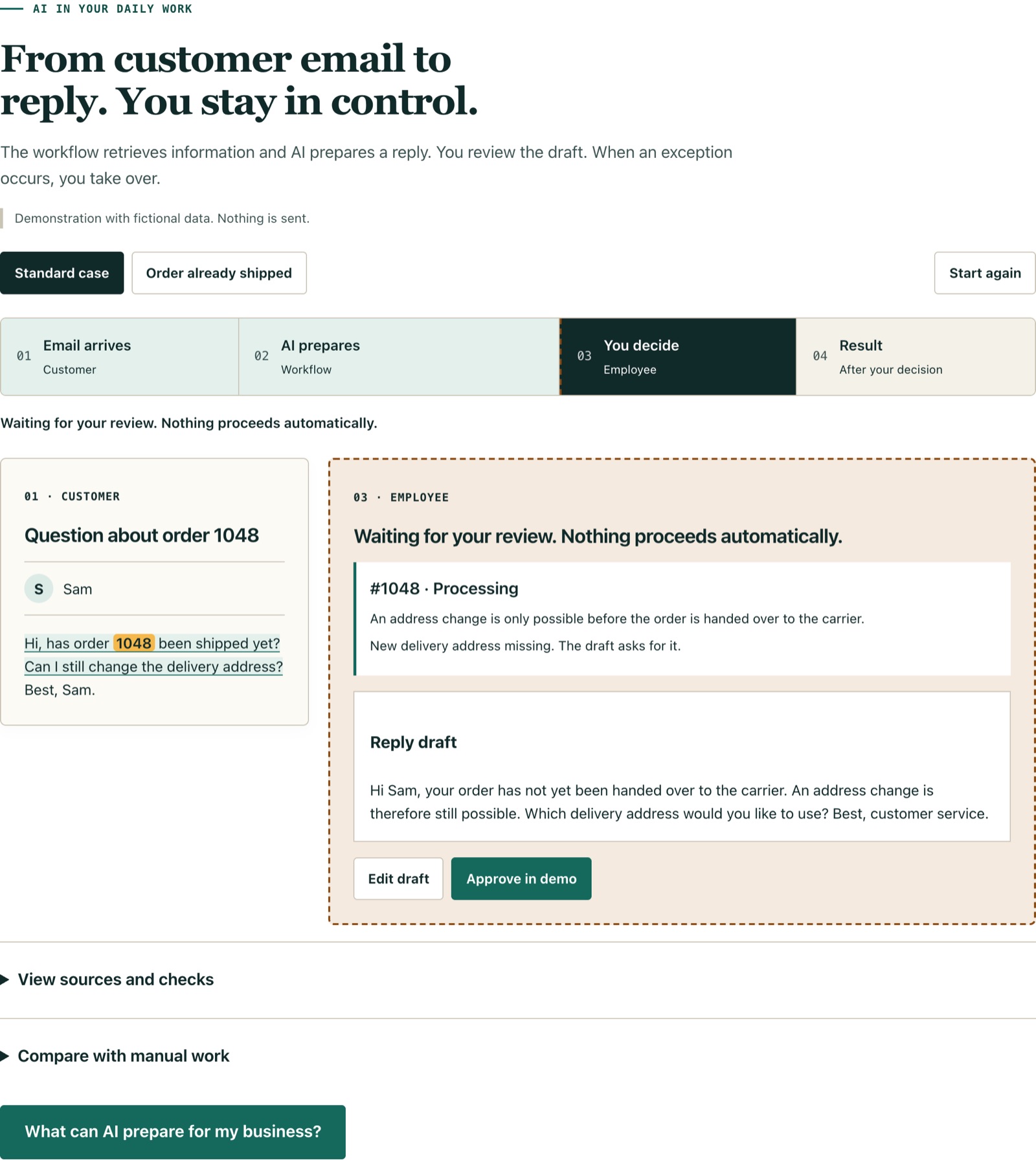
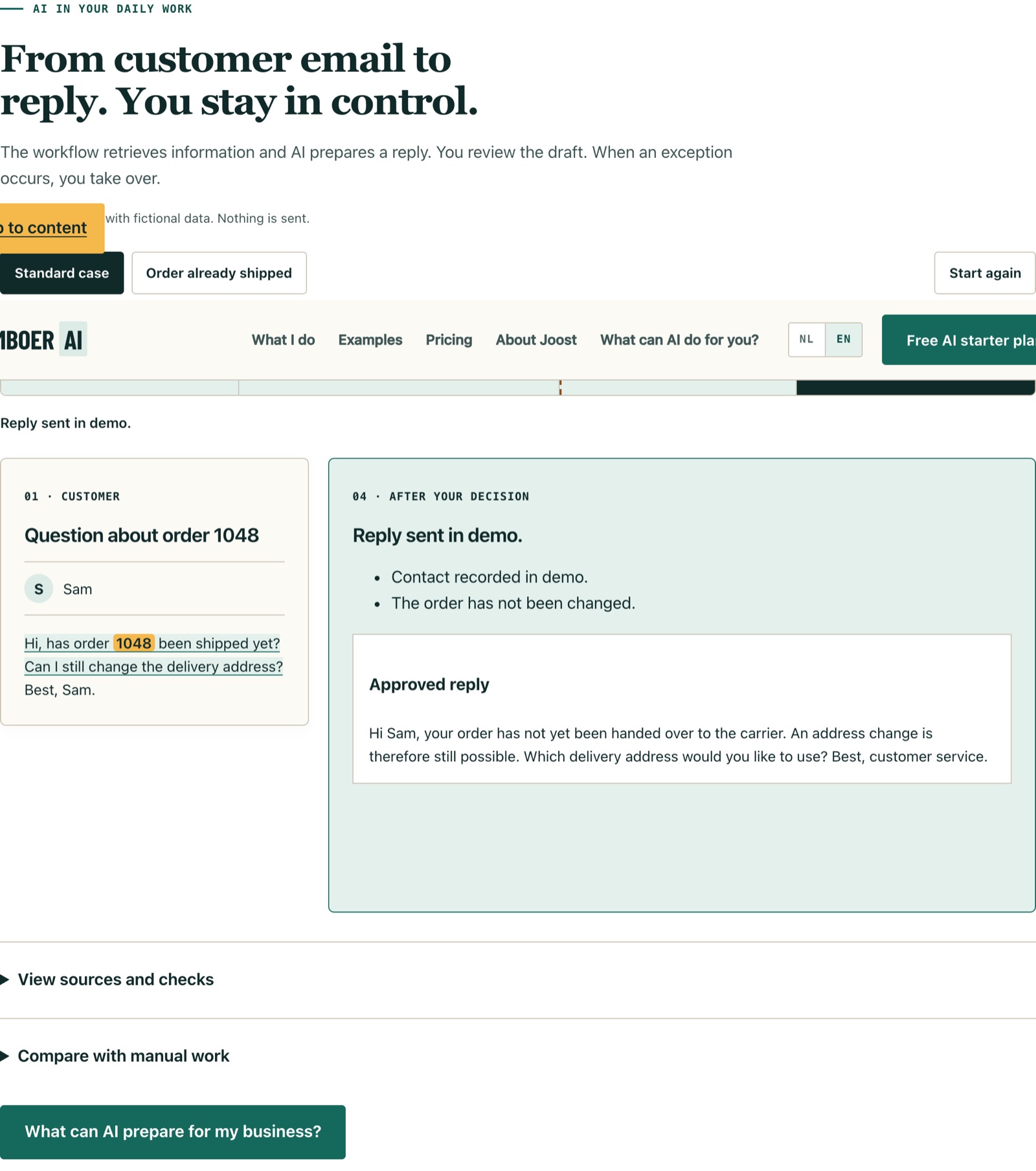
Because all six share the same pattern: repetition, digital input and an employee who can explain when the outcome is correct. That is the pattern behind the workflows I build within approved tooling and governance at one of the largest banks in the Netherlands; read how that works. The first pattern, incoming email, is shown in the inbox demonstration. The second pattern, document checks, is worked out on document checks.
Check it yourself before you email
- Process check: seven decisions, fit, unsure or no-go and no personal data.
- Calculator: payback period of audit and implementation on your volume and minutes.
- Baseline builder: turns your first count into a copyable measurement plan.
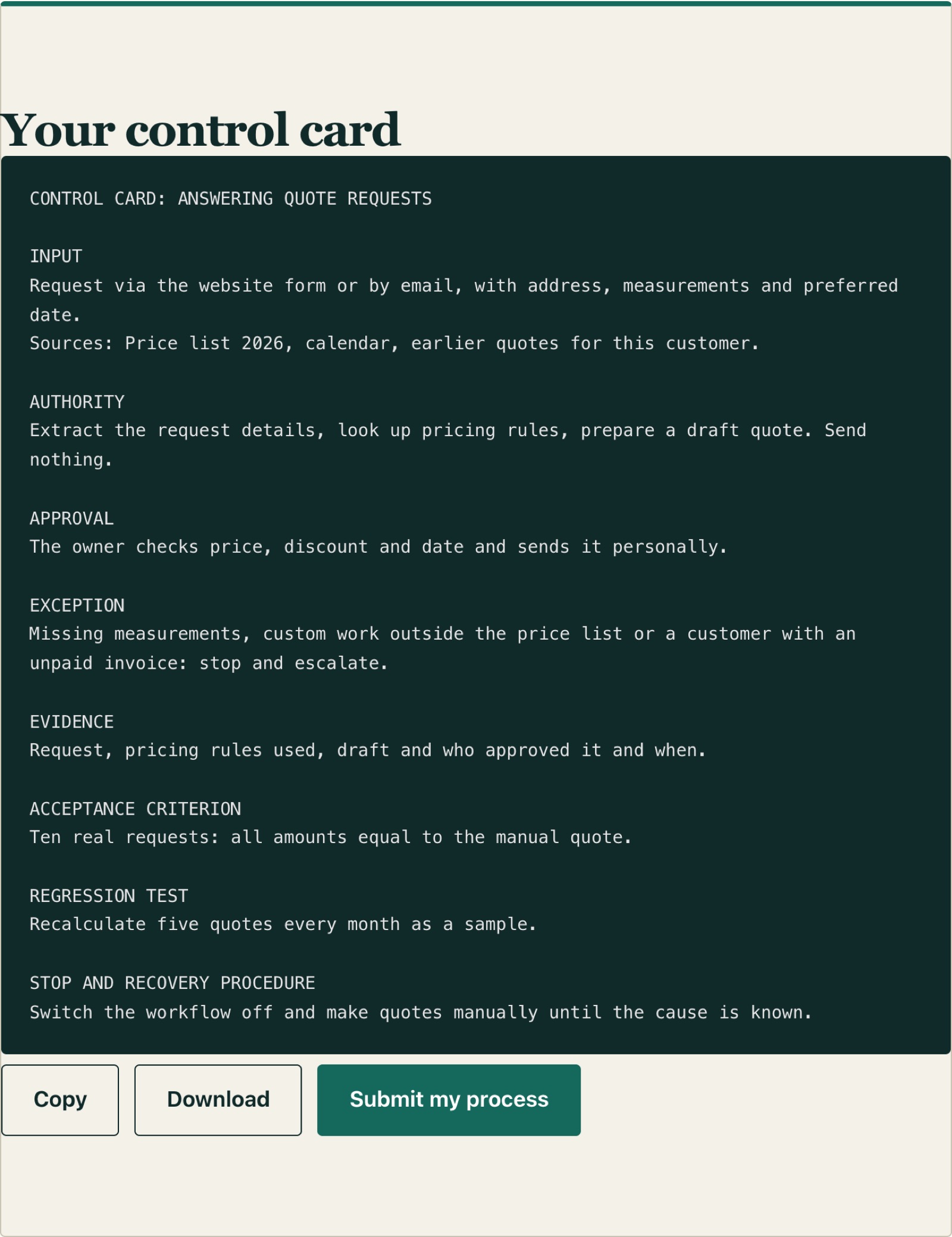
- Control card builder: puts input, steps, exceptions, approval and measurement on one page.
- What you can verify: method, demonstration, my own measurement with its scope and a result with assumptions.
See all free AI tools, including the prompt builder for one-off tasks that do not need a workflow yet.
Four processes with their own page
The method focuses on AI automation for Dutch SMEs. For four processes that come up often, the approach is already worked out in detail. Other administrative work starts with the free AI plan. See what you get for free.
- Service requests for installation companies: faults and requests as a draft work order, the planner decides.
- Order processing for technical wholesalers: orders from email and PDF as a draft, the order desk releases.
- Quotes with AI: the enquiry gets read and a draft sits ready, a person sets the price.
- AI meeting notes: where a note taking tool is enough and where a controlled workflow starts.